QR code workflows for printed materials, campaigns, and local business.
Start with the use case that matches the printed material: menus, flyers, signs, packaging, table tents, events, real estate, schools, churches, or client campaigns.
One scan. A clear next step.
Connect menus, signs, packaging, and campaigns to an experience you can update after printing.
Photo by Phuoc Sang on UnsplashChoose your workflow
Start with where the QR code will live. We’ll show you what it should open, how to build it, and what to avoid before it goes to print.
Restaurant QR Codes
Create editable restaurant QR codes for menus, ordering, specials, catering, reviews, and table tents with SQRE.
Print Shop QR Codes
Use SQRE to create client QR codes for flyers, menus, table tents, labels, mailers, posters, and campaigns.
Event QR Codes
Create event QR codes for registration, schedules, maps, donations, feedback forms, and follow-up links.
Real Estate QR Codes
Create real estate QR codes for property pages, virtual tours, open houses, lead forms, and listing flyers.
Community QR Codes
Create QR codes for forms, bulletins, donations, event registrations, calendars, and volunteer signups.
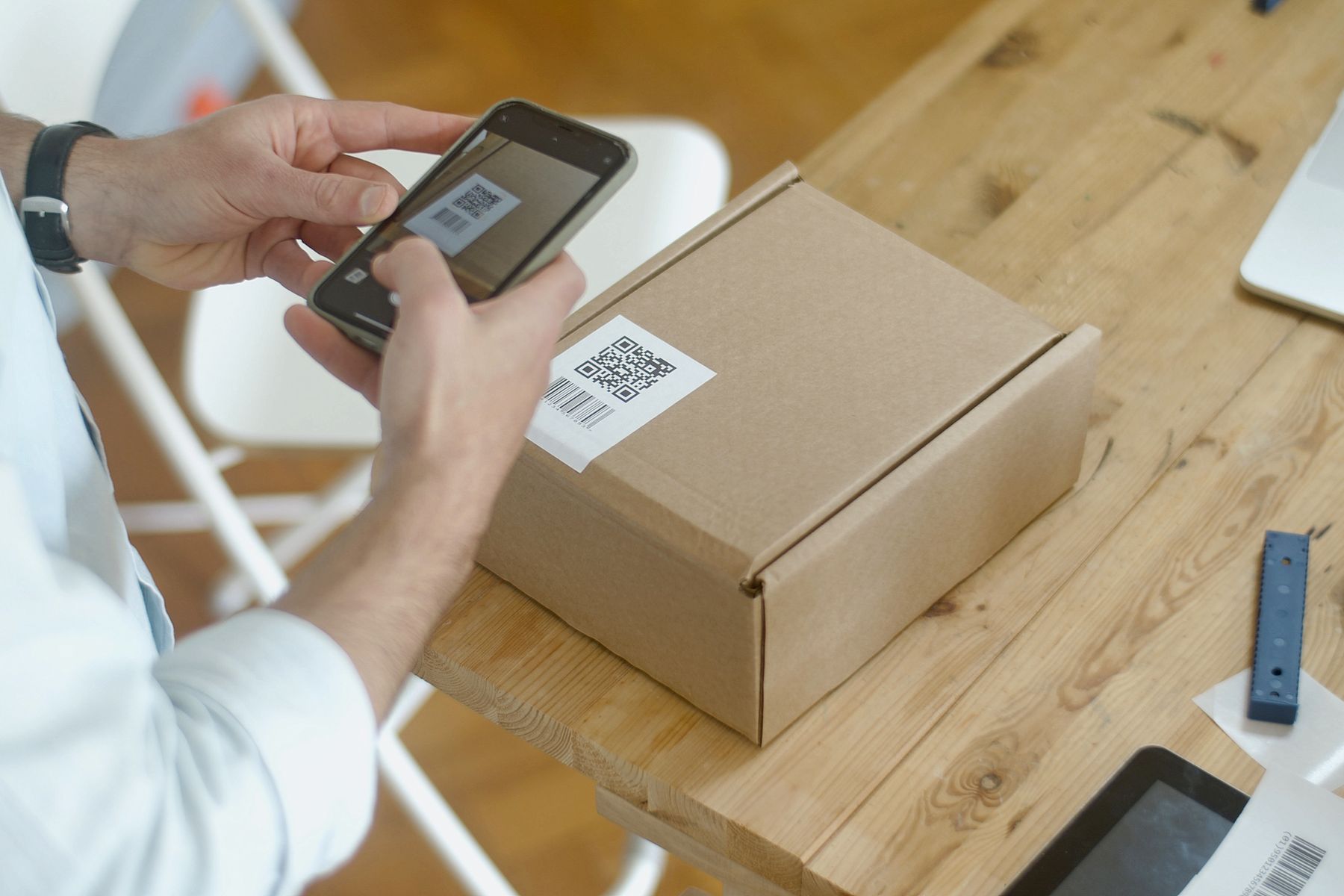
Packaging QR Codes
Create product packaging QR codes for instructions, registrations, ingredients, reviews, warranties, and campaigns.
Local Business QR Codes
Create QR codes for reviews, promotions, appointments, payments, forms, loyalty, menus, and local campaigns.
Print with confidence, not crossed fingers.
Short, practical guides for codes that need to work long after the printer stops.
Static vs dynamic QR codes: use the right type before you print.
Learn the difference between static and dynamic QR codes, when to use each, and why printed materials often need editable destinations.
Make QR codes large enough to scan where they are actually used.
Practical QR code sizing guidance for printed menus, flyers, table tents, posters, labels, packaging, and signs.
How to make a menu QR code that survives menu changes.
Learn how to make a restaurant menu QR code for table tents, signs, takeout flyers, ordering, and specials.
Track QR scans so printed materials are easier to compare.
Learn how QR scan tracking works and how to use scan activity for menus, flyers, signs, events, and campaigns.
QR codes for flyers should send people to one clear action.
Create QR codes for flyers that link to offers, events, forms, menus, landing pages, reviews, and signups.
Table tent QR codes should be easy to scan and easy to update.
Create table tent QR codes for menus, ordering, specials, reviews, loyalty, feedback, and event promotions.
Find the QR code page that matches the job
Dynamic QR Code Generator
Use SQRE as a dynamic QR code generator for editable destinations, scan tracking, print-ready downloads, and business campaigns.
→02Editable QR Codes
Create editable QR codes for printed materials so menus, flyers, signs, labels, and campaigns can point to a new destination later.
→03Trackable QR Codes
Create trackable QR codes to measure scan activity for flyers, menus, signs, events, packaging, and campaigns.
→04QR Codes for Print
Create print-ready QR codes for flyers, signs, menus, labels, posters, table tents, mailers, and packaging.
→05Bulk QR Code Generator
Create multiple QR codes for client campaigns, locations, products, events, labels, and business workflows with SQRE Pro.
→