Flyer QR Guide
QR codes for flyers should send people to one clear action.
Use SQRE to create flyer QR codes for campaigns, events, local offers, restaurant menus, service forms, and signups.
FlyersCampaignsOffersFormsEvents
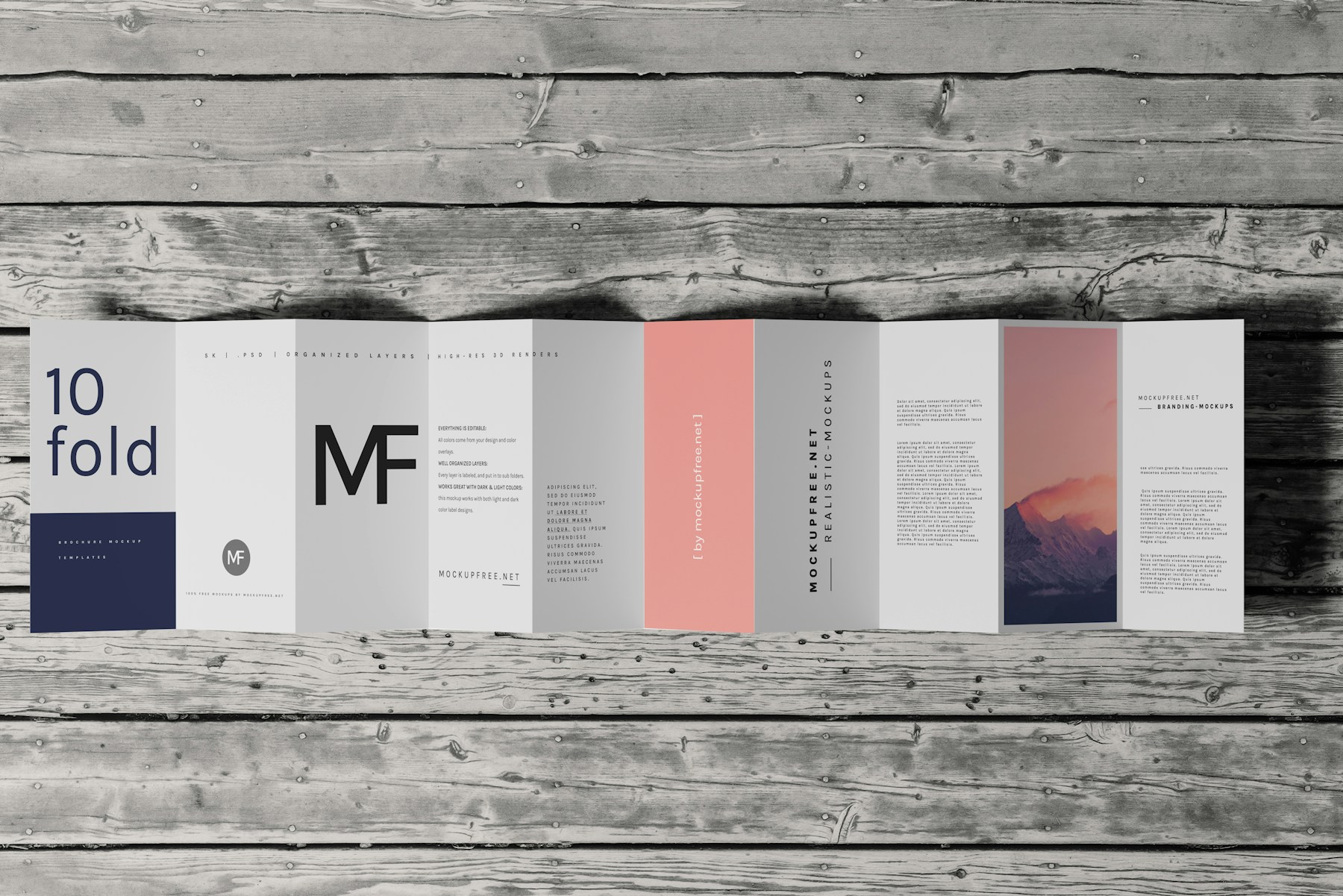
Flyer QR Guide
Photo by Mockup Free on UnsplashPrint-ready setup
Flyer QR Guide
Destination
/use-cases/events
Export
PNG/SVG
Scans
Tracked
01 Choose one action for the flyer.
02 Create a dynamic QR code if the campaign link may change.
03 Export the code and place it with enough clear space.
Practical Uses
What this QR code should actually do
Each printed code should map to a clear customer action, not a generic homepage.
01
Best flyer QR destinations
A flyer QR code should complete the promise made in the flyer headline.
- Offer pages
- Registration forms
- Menus
- Booking pages
- Coupons
02
When to use dynamic
Dynamic QR codes help when the flyer may stay visible after the campaign changes.
- Date changes
- Offer changes
- Landing page edits
- Campaign tracking
Examples
Printed placements to consider
Placement 1
Offer pages
Placement 2
Registration forms
Placement 3
Menus
Placement 4
Booking pages
Placement 5
Coupons
Placement 6
Date changes
Workflow
How to use SQRE for this
- 1 Choose one action for the flyer.
- 2 Create a dynamic QR code if the campaign link may change.
- 3 Export the code and place it with enough clear space.
- 4 Test the printed flyer before distributing it.
Avoid
Common QR code mistakes
- × Putting multiple competing CTAs next to one QR code.
- × Making the code too small for quick scanning.
- × Sending flyer scans to a generic homepage.
FAQ
Flyer QR Guide FAQ
What should a flyer QR code link to?+
It should link to the action promised by the flyer: registration, booking, ordering, coupon redemption, a menu, or a campaign landing page.
Can I update a flyer QR code after printing?+
Yes, if the flyer uses a dynamic QR code created in SQRE.
Ready to create the QR code?
Start free, create a clean QR code, and switch to dynamic when printed materials need editable destinations.