Dynamic QR Code Generator for Printed Business Materials
Create QR codes for menus, signs, flyers, labels, events, and campaigns. Update dynamic destinations after printing, then track scans from your dashboard.
Enter a menu, campaign, or business link
Create, manage, and measure.
Watch a quick walkthrough of setting up a dynamic QR code, finding it in your workspace, and reviewing scan metrics.
Start Creating FreeWhere SQRE Fits Best
Use SQRE when a printed QR code needs to keep working after the destination changes.
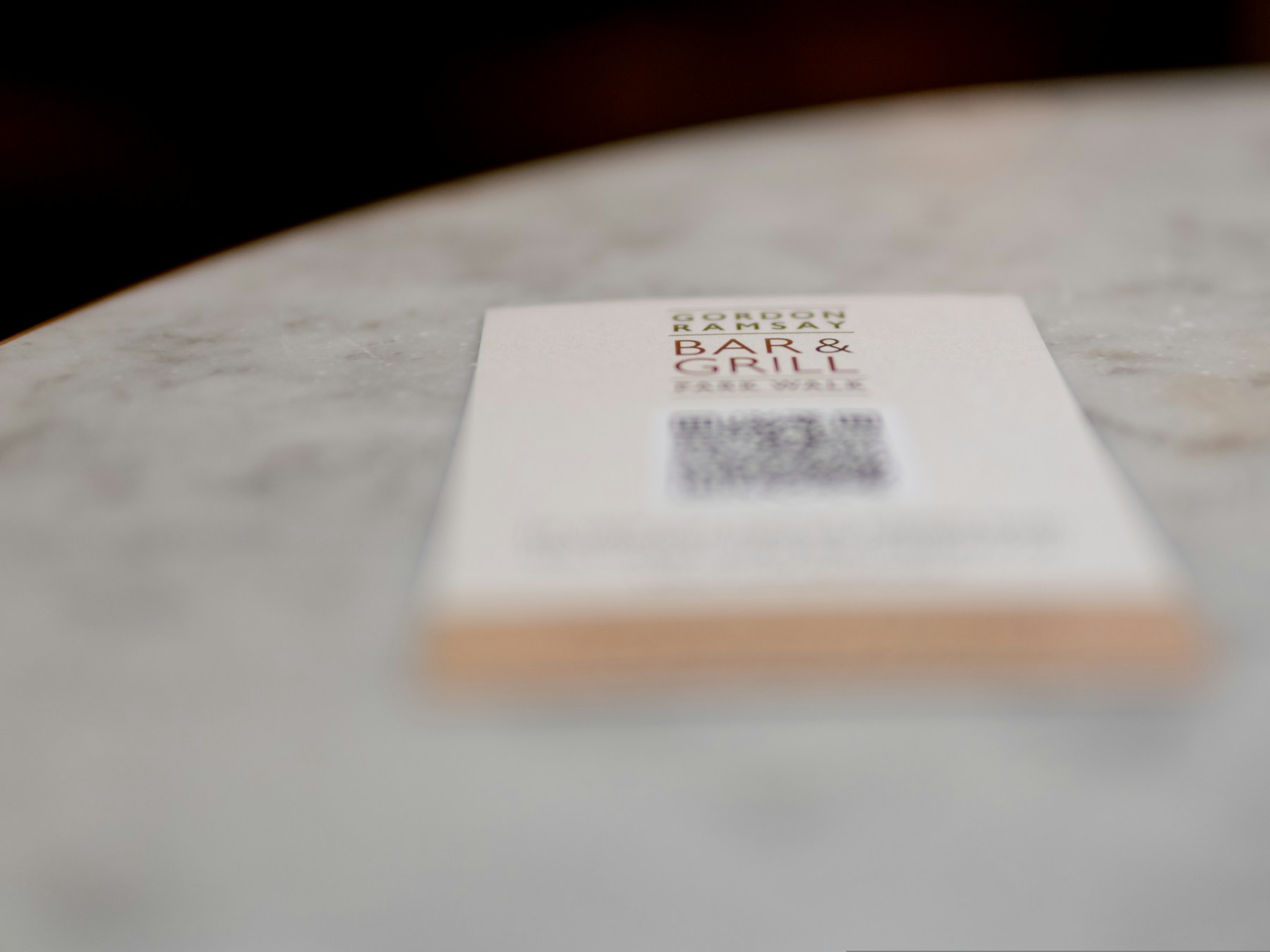
Restaurants and Cafes
Menu, specials, ordering, reservations, reviews, catering, and table-tent QR codes that can change without reprinting.
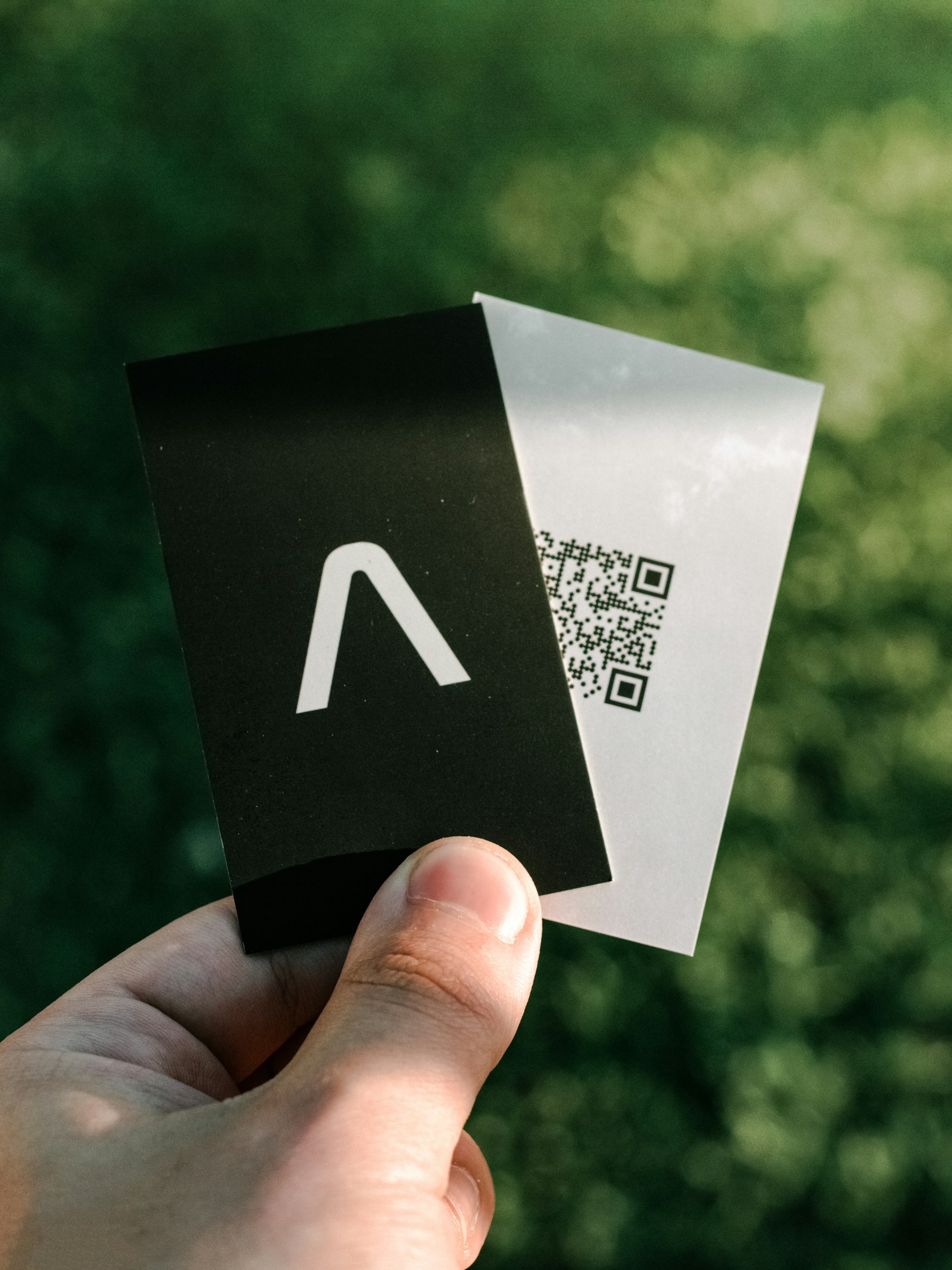
Print Shops and Agencies
Create polished codes for client flyers, table tents, labels, mailers, posters, and campaign materials.
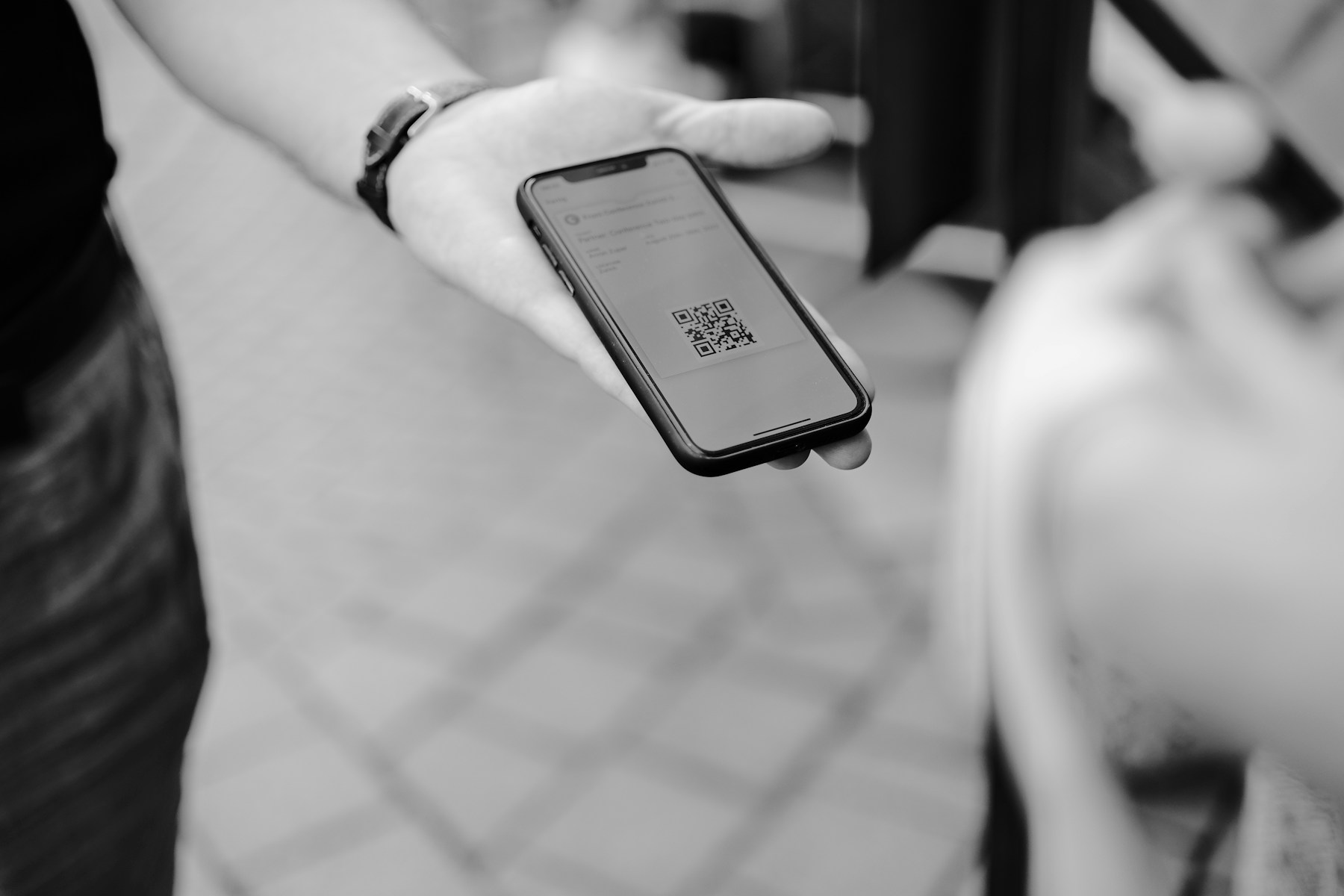
Local Teams and Events
Use one printed code for registrations, donation pages, schedules, maps, forms, and follow-up links.
Give the person scanning somewhere worth landing.
Create a mobile profile with your contact details, bio, social links, and one of ten distinctive layouts. SQRE generates the trackable QR automatically.
The Basics, Done Well
A focused set of tools for creating QR codes without the overhead.
Create Print-Ready Codes
Paste a destination, choose a clean style, and download PNG or SVG files for menus, signs, labels, and flyers.
Make It Yours Perfectly
Pick a clean style, adjust the colors, and keep the result readable. Simple controls, polished output.
Custom Colors
Choose foreground and background colors
Clean QR Styles
Use square, rounded, or softer dot patterns
Easy Downloads
Download as PNG or SVG when you are done
Your saved QR codes in one place
Keep Track Without Clutter
Save your QR codes, revisit them later, edit dynamic destinations, and open PNG or SVG downloads from one straightforward dashboard.
- Save QR codes for later
- Update names and destinations
- Download PNG or SVG files
- Keep your workspace organized
Simple, Transparent Pricing
Start free, upgrade when you need more. No hidden fees.
Perfect for trying out SQRE
- 3 dynamic QR codes
- Unlimited static QR codes
- Digital business profile pages
- Basic styling
- Simple dashboard
For small businesses
- Unlimited QR codes
- Digital business profile pages
- Custom colors and styles
- Dynamic destination editing
- PNG/SVG downloads
For growing teams
- Unlimited QR codes
- Bulk generation
- API access
- Advanced analytics
For high-volume needs
- Everything in Pro
- Custom scan volume
- Custom retention
- Volume pricing
- Implementation support
Need more than 1.5M scans/month? Enterprise offers custom capacity and support planning.
Free QR Code Generator Questions
Answers for people comparing QR code makers, static QR codes, dynamic QR codes, and download formats.
Is SQRE a free QR code generator?+
Yes. SQRE includes a free plan for creating QR codes, including unlimited static QR codes and a limited set of dynamic QR codes.
Can I make dynamic QR codes?+
Yes. Dynamic QR codes let you keep the same printed code while updating the destination link later from your dashboard.
Can I download QR codes as PNG or SVG?+
Yes. SQRE supports polished PNG and SVG downloads so you can use QR codes on menus, signs, flyers, labels, and other printed or digital materials.
What can I use a QR code for?+
Common uses include website links, restaurant menus, product pages, event flyers, sign-up forms, contact pages, and business promotions.
Ready to Make a QR Code?
Start with the basics: add a link, choose a style, and download your QR code.