Event QR Codes
One event QR code can point people to the right next step.
Use SQRE for printed event signs, flyers, check-in tables, programs, badges, and follow-up campaigns.
RegistrationSchedulesMapsDonationsFeedback
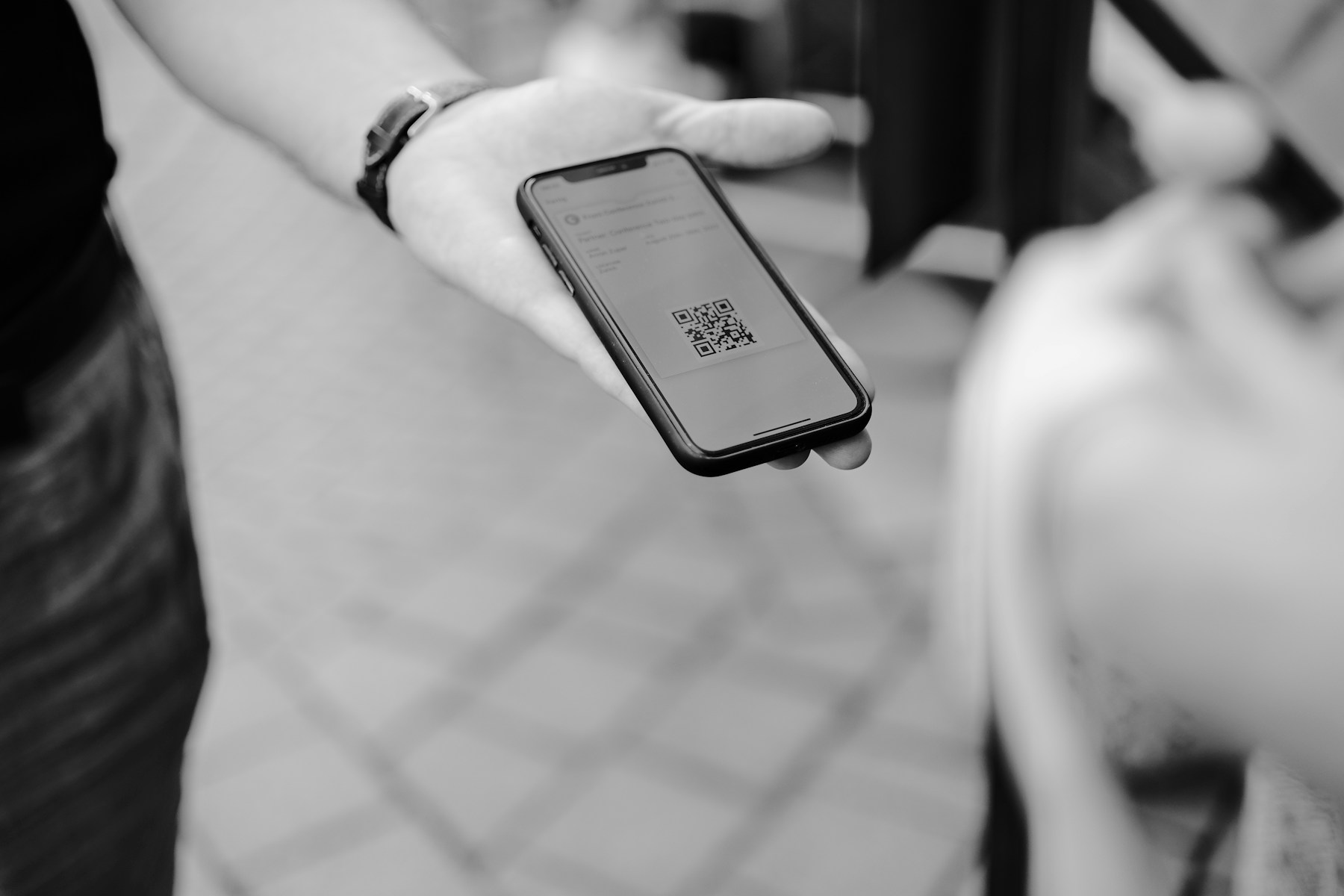
Event QR Codes
Photo by Claudio Schwarz on UnsplashPrint-ready setup
Event QR Codes
Destination
/guides/qr-codes-for-flyers
Export
PNG/SVG
Scans
Tracked
01 Create a dynamic QR code before the first flyer is printed.
02 Test the scan on phone cameras before sending artwork out.
03 Use the dashboard to adjust the destination as event details change.
Practical Uses
What this QR code should actually do
Each printed code should map to a clear customer action, not a generic homepage.
01
Before and during the event
Use QR codes to move attendees from printed materials into the exact action they need.
- Registration forms
- Venue maps
- Session schedules
- Donation pages
- Check-in links
02
After the event
Keep the same printed code useful by changing it to a feedback or follow-up page.
- Surveys
- Photo galleries
- Next event signups
- Sponsor offers
Examples
Printed placements to consider
Placement 1
Registration forms
Placement 2
Venue maps
Placement 3
Session schedules
Placement 4
Donation pages
Placement 5
Check-in links
Placement 6
Surveys
Workflow
How to use SQRE for this
- 1 Create a dynamic QR code before the first flyer is printed.
- 2 Test the scan on phone cameras before sending artwork out.
- 3 Use the dashboard to adjust the destination as event details change.
- 4 Review scan activity after the event.
Avoid
Common QR code mistakes
- × Putting a QR code on a flyer before the destination page is final.
- × Using a tiny QR code on posters viewed from a distance.
- × Forgetting to switch the destination after registration closes.
FAQ
Event QR Codes FAQ
Can I change an event QR code after printing flyers?+
Yes, if you create it as a dynamic QR code. The printed code stays the same while the destination can be updated.
Can I track event QR scans?+
Yes. SQRE can show scan activity from the dashboard for dynamic QR workflows.
Ready to create the QR code?
Start free, create a clean QR code, and switch to dynamic when printed materials need editable destinations.