Restaurant QR Codes
Restaurant QR codes that can change after the table tents are printed.
Use SQRE for menus, specials, ordering links, reservations, reviews, catering forms, and feedback flows that need to stay current.
MenusTable tentsTakeout flyersReviewsSpecials
Restaurant QR Codes
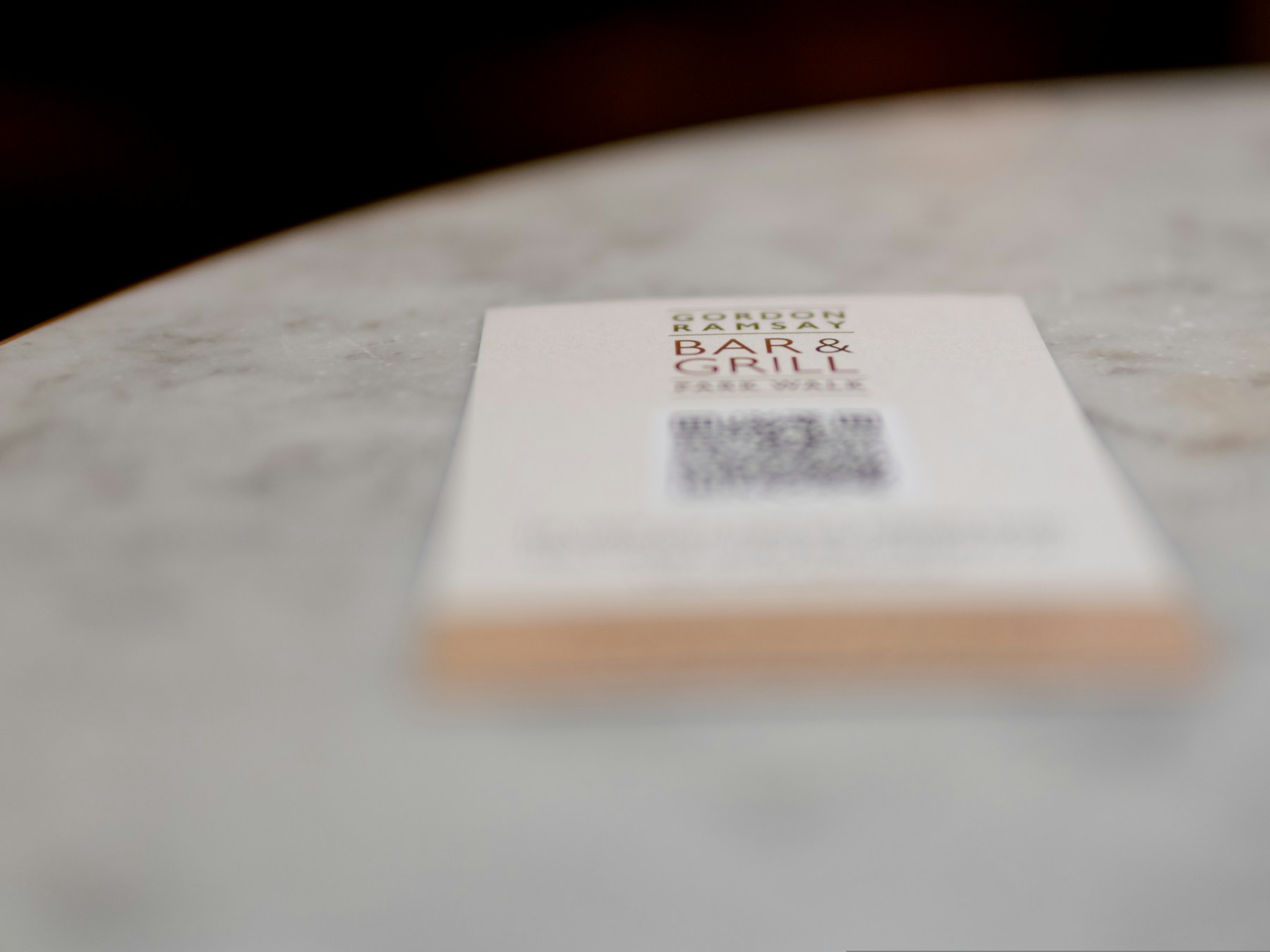
Photo by the blowup on UnsplashPrint-ready setup
Restaurant QR Codes
Destination
/dynamic-qr-codes
Export
PNG/SVG
Scans
Tracked
01 Add the menu, ordering, or specials URL.
02 Create a dynamic QR code when the destination may change.
03 Download PNG or SVG files for table tents, menus, and signs.
Practical Uses
What this QR code should actually do
Each printed code should map to a clear customer action, not a generic homepage.
01
Where restaurants place QR codes
Restaurant QR codes work best where guests already need the next action.
- Table tents
- Counter signs
- Window decals
- Receipts
- Takeout flyers
02
What they should link to
The destination should match the moment: browsing, ordering, reviewing, or coming back.
- Digital menus
- Online ordering
- Reservations
- Catering forms
- Review links
Examples
Printed placements to consider
Placement 1
Table tents
Placement 2
Counter signs
Placement 3
Window decals
Placement 4
Receipts
Placement 5
Takeout flyers
Placement 6
Digital menus
Workflow
How to use SQRE for this
- 1 Add the menu, ordering, or specials URL.
- 2 Create a dynamic QR code when the destination may change.
- 3 Download PNG or SVG files for table tents, menus, and signs.
- 4 Update the destination later from the dashboard instead of reprinting.
Avoid
Common QR code mistakes
- × Printing a static code for a menu URL that may change.
- × Using low-contrast colors that make scanning unreliable.
- × Sending every QR code to the homepage instead of the exact customer action.
FAQ
Restaurant QR Codes FAQ
Should restaurant QR codes be dynamic?+
Usually yes. Menus, specials, ordering links, and review pages change often enough that editable destinations are safer for printed materials.
Can SQRE export files for a print shop?+
Yes. SQRE supports PNG and SVG downloads for print and design handoff.
Ready to create the QR code?
Start free, create a clean QR code, and switch to dynamic when printed materials need editable destinations.