QR Codes for Print
Create QR codes that are ready for real printed materials.
SQRE helps you create readable, downloadable QR codes for print workflows, with dynamic destinations when the link may change.
Print QR codeSVG downloadFlyersSignsLabels
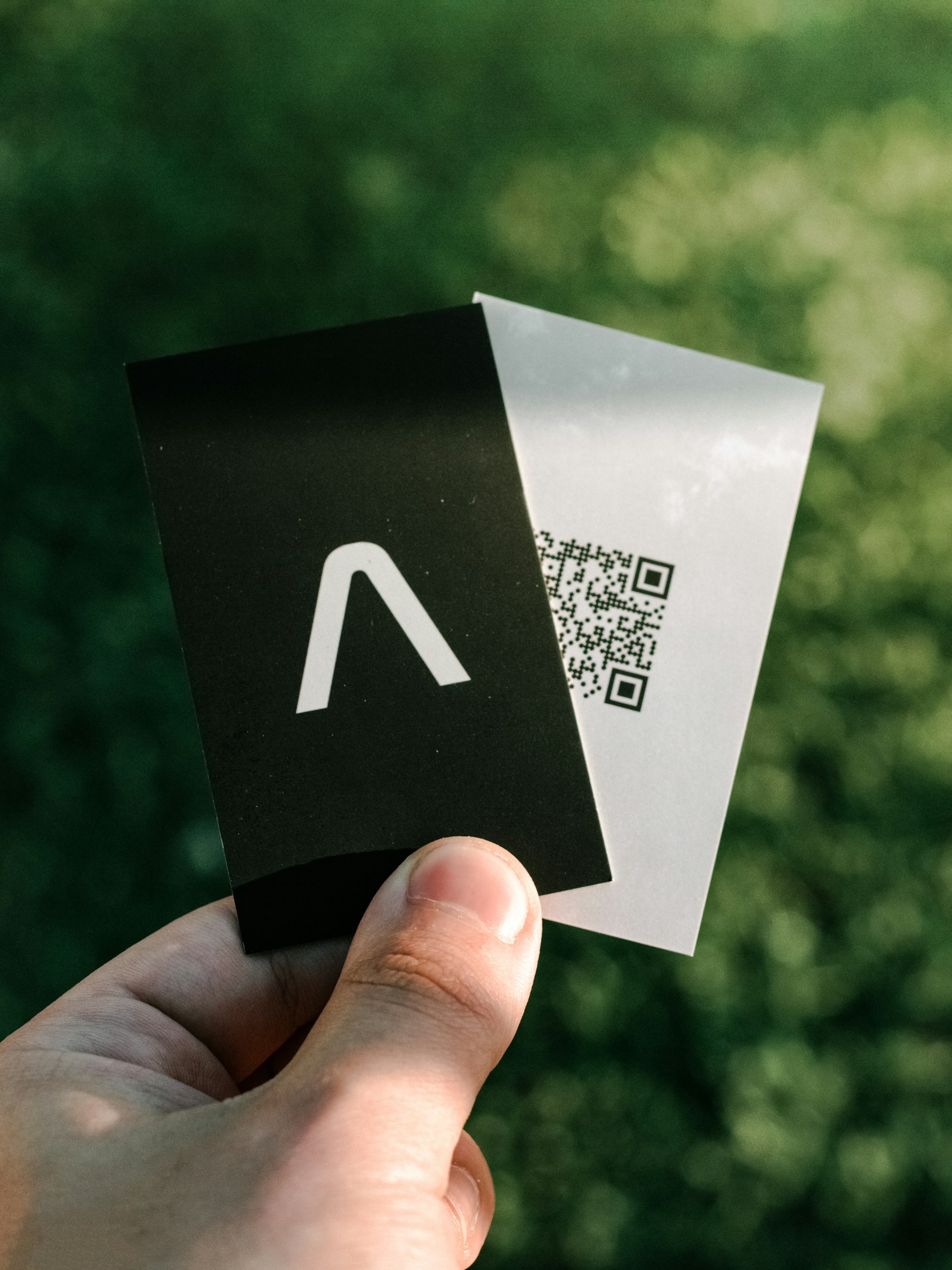
QR Codes for Print
Photo by Apollo Photography on UnsplashPrint-ready setup
QR Codes for Print
Destination
/guides/qr-code-size-for-print
Export
PNG/SVG
Scans
Tracked
01 Choose the destination and print placement.
02 Create a QR code with readable contrast.
03 Download PNG or SVG.
Practical Uses
What this QR code should actually do
Each printed code should map to a clear customer action, not a generic homepage.
01
Print materials that use QR codes
QR codes can move people from offline material to a direct digital action.
- Flyers
- Signs
- Menus
- Labels
- Posters
- Mailers
02
Print-ready export needs
The exported code should be crisp, readable, and easy to place in artwork.
- PNG files
- SVG files
- Quiet zone
- High contrast
Examples
Printed placements to consider
Placement 1
Flyers
Placement 2
Signs
Placement 3
Menus
Placement 4
Labels
Placement 5
Posters
Placement 6
Mailers
Workflow
How to use SQRE for this
- 1 Choose the destination and print placement.
- 2 Create a QR code with readable contrast.
- 3 Download PNG or SVG.
- 4 Test the final print before the full run.
Avoid
Common QR code mistakes
- × Scaling a low-resolution image too far.
- × Using low-contrast brand colors without testing.
- × Forgetting that printed links may need updates later.
FAQ
QR Codes for Print FAQ
What QR file type is best for print?+
SVG is usually best for professional artwork because it scales cleanly. PNG is fine for many simple print jobs.
Can I update a QR code after printing?+
Only if you created it as a dynamic QR code before printing.
Ready to create the QR code?
Start free, create a clean QR code, and switch to dynamic when printed materials need editable destinations.