Print Shop QR Codes
A practical QR workflow for print shops and local agencies.
Create clean client QR codes, export print-ready files, keep campaigns organized, and use dynamic codes when the customer may need edits later.
FlyersMenusLabelsMailersClient campaigns
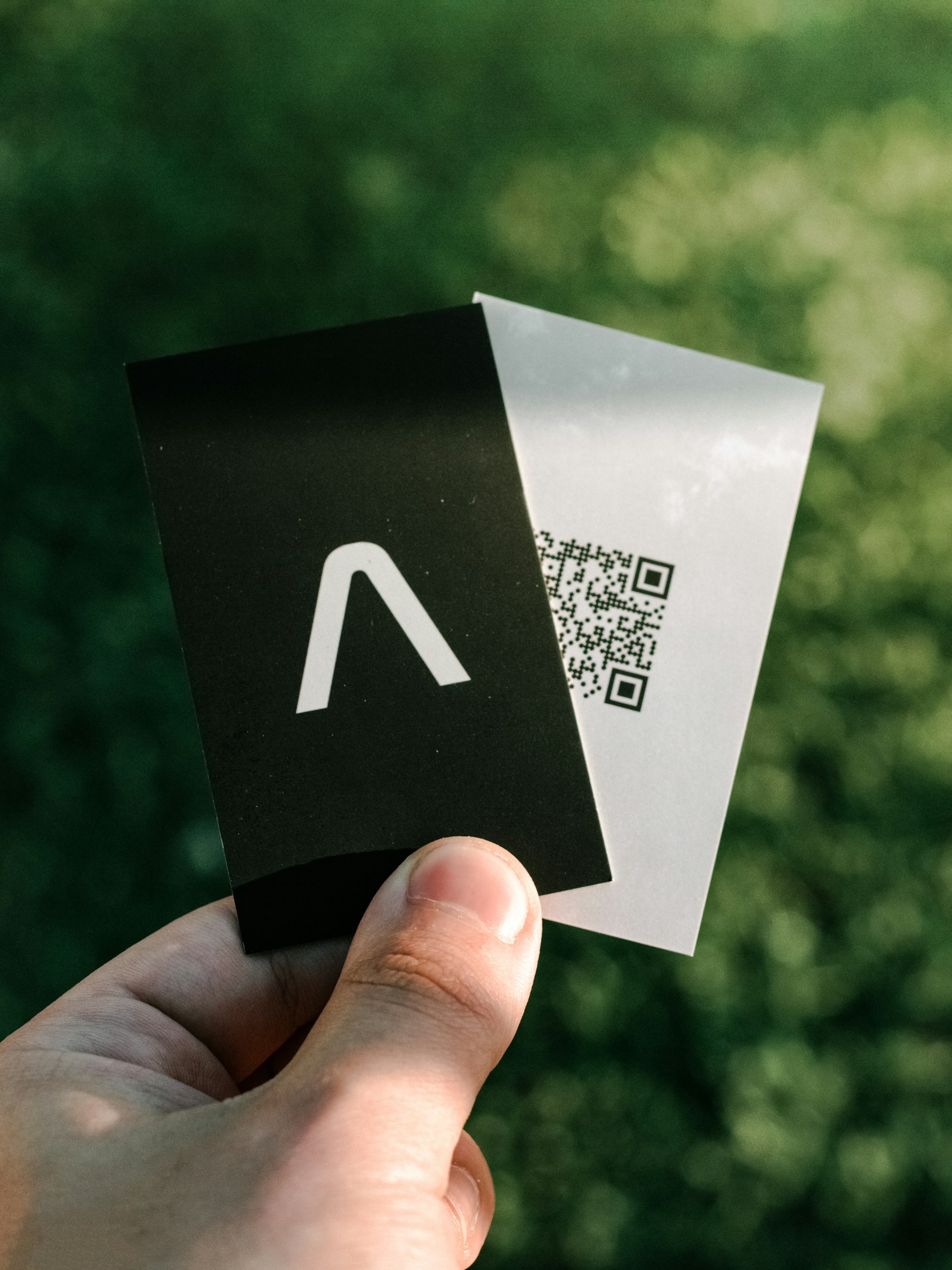
Print Shop QR Codes
Photo by Apollo Photography on UnsplashPrint-ready setup
Print Shop QR Codes
Destination
mailto:sales@sqre.app?subject=SQRE%20print%20shop%20workflow
Export
PNG/SVG
Scans
Tracked
01 Create the code during artwork prep.
02 Export SVG for design files or PNG for quick handoff.
03 Use a dynamic QR code for client-managed destinations.
Practical Uses
What this QR code should actually do
Each printed code should map to a clear customer action, not a generic homepage.
01
Best-fit print jobs
SQRE fits printed assets where the QR destination is part of the campaign.
- Menus
- Flyers
- Table tents
- Product labels
- Event posters
02
Why agencies use dynamic QR codes
Client links change. Dynamic QR codes reduce reprint risk and make campaign fixes less painful.
- Fix wrong links
- Change seasonal offers
- Track scans
- Reuse designs
Examples
Printed placements to consider
Placement 1
Menus
Placement 2
Flyers
Placement 3
Table tents
Placement 4
Product labels
Placement 5
Event posters
Placement 6
Fix wrong links
Workflow
How to use SQRE for this
- 1 Create the code during artwork prep.
- 2 Export SVG for design files or PNG for quick handoff.
- 3 Use a dynamic QR code for client-managed destinations.
- 4 Keep codes named by client, job, placement, or campaign.
Avoid
Common QR code mistakes
- × Letting clients send untested QR images from random generators.
- × Flattening a low-resolution QR code into print artwork.
- × Using static QR codes for campaigns that are likely to change.
FAQ
Print Shop QR Codes FAQ
Can a print shop use SQRE for client work?+
Yes. SQRE is designed for repeat QR code creation, print-ready exports, and dynamic destinations that clients can update later.
Is bulk generation available?+
Yes. Bulk generation and API access are available on Pro for higher-volume workflows.
Ready to create the QR code?
Start free, create a clean QR code, and switch to dynamic when printed materials need editable destinations.