Table Tent QR Guide
Table tent QR codes should be easy to scan and easy to update.
Use SQRE for table tents in restaurants, cafes, events, tasting rooms, service counters, and waiting areas.
Table tentsMenusOrderingReviewsFeedback
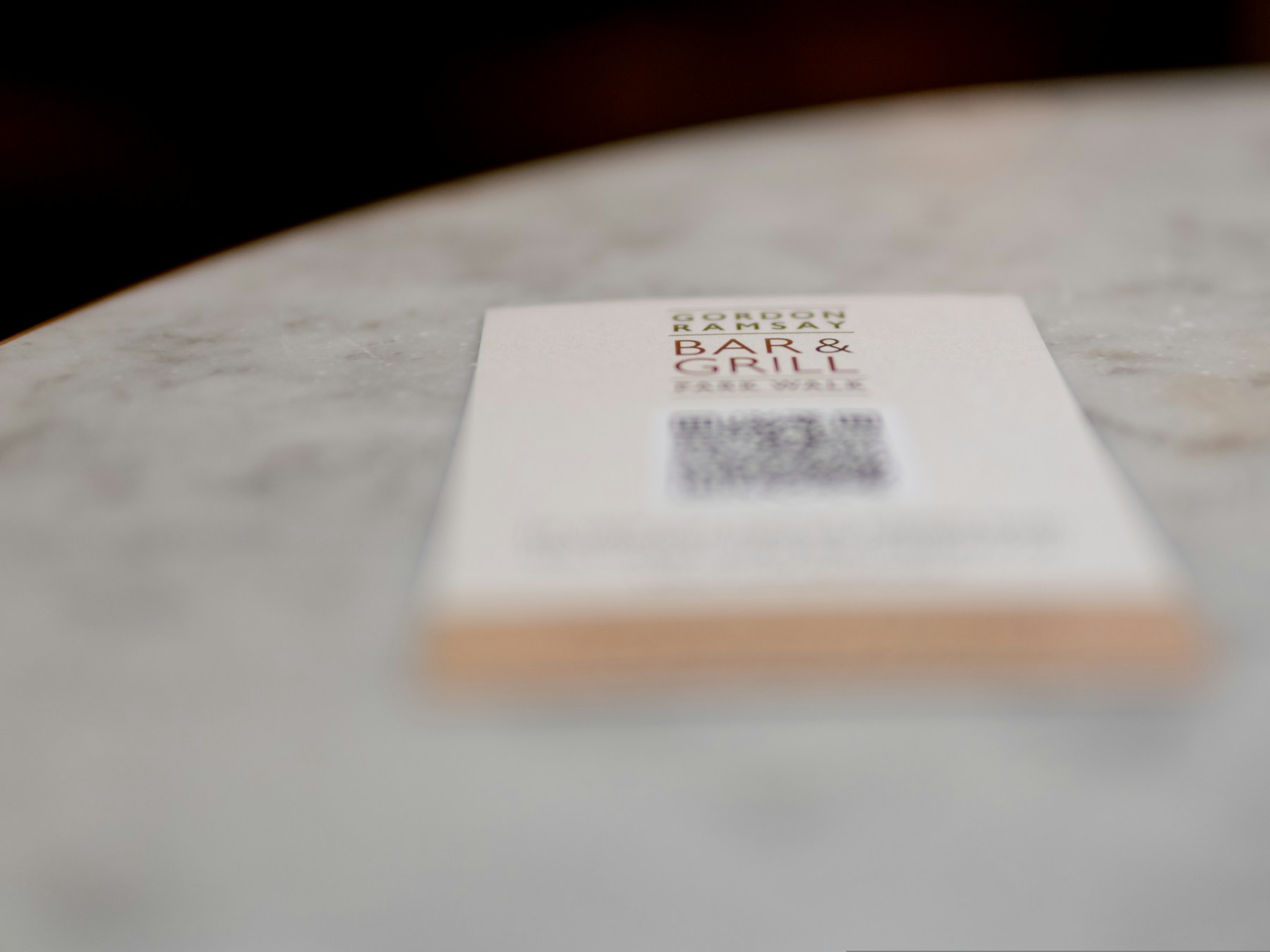
Table Tent QR Guide
Photo by the blowup on UnsplashPrint-ready setup
Table Tent QR Guide
Destination
/guides/how-to-make-a-menu-qr-code
Export
PNG/SVG
Scans
Tracked
01 Create a QR code for one table action.
02 Use high contrast and a clear label.
03 Download print-ready artwork.
Practical Uses
What this QR code should actually do
Each printed code should map to a clear customer action, not a generic homepage.
01
Common table tent actions
Table tents work because customers are already seated or waiting.
- View menu
- Order now
- Join loyalty
- Leave feedback
- See specials
02
Why table tents need dynamic codes
Table tents often stay on tables longer than the offer, menu, or campaign.
- Update specials
- Change menus
- Switch event links
- Route to feedback
Examples
Printed placements to consider
Placement 1
View menu
Placement 2
Order now
Placement 3
Join loyalty
Placement 4
Leave feedback
Placement 5
See specials
Placement 6
Update specials
Workflow
How to use SQRE for this
- 1 Create a QR code for one table action.
- 2 Use high contrast and a clear label.
- 3 Download print-ready artwork.
- 4 Update the destination from SQRE when the table tent content changes.
Avoid
Common QR code mistakes
- × Crowding a table tent with too many QR codes.
- × Using decorative colors that reduce scan reliability.
- × Forgetting to update the destination when specials change.
FAQ
Table Tent QR Guide FAQ
How many QR codes should a table tent have?+
Usually one or two. Too many options can reduce clarity. Use one QR code for the most important action.
Can I use one table tent code for specials?+
Yes. A dynamic QR code is a good fit because specials can change while the printed table tent stays in place.
Ready to create the QR code?
Start free, create a clean QR code, and switch to dynamic when printed materials need editable destinations.