Print QR Guide
Make QR codes large enough to scan where they are actually used.
Print size, scan distance, contrast, material, and placement all affect whether a customer can scan your code quickly.
Print sizeScan distanceSVG exportContrast
Print QR Guide
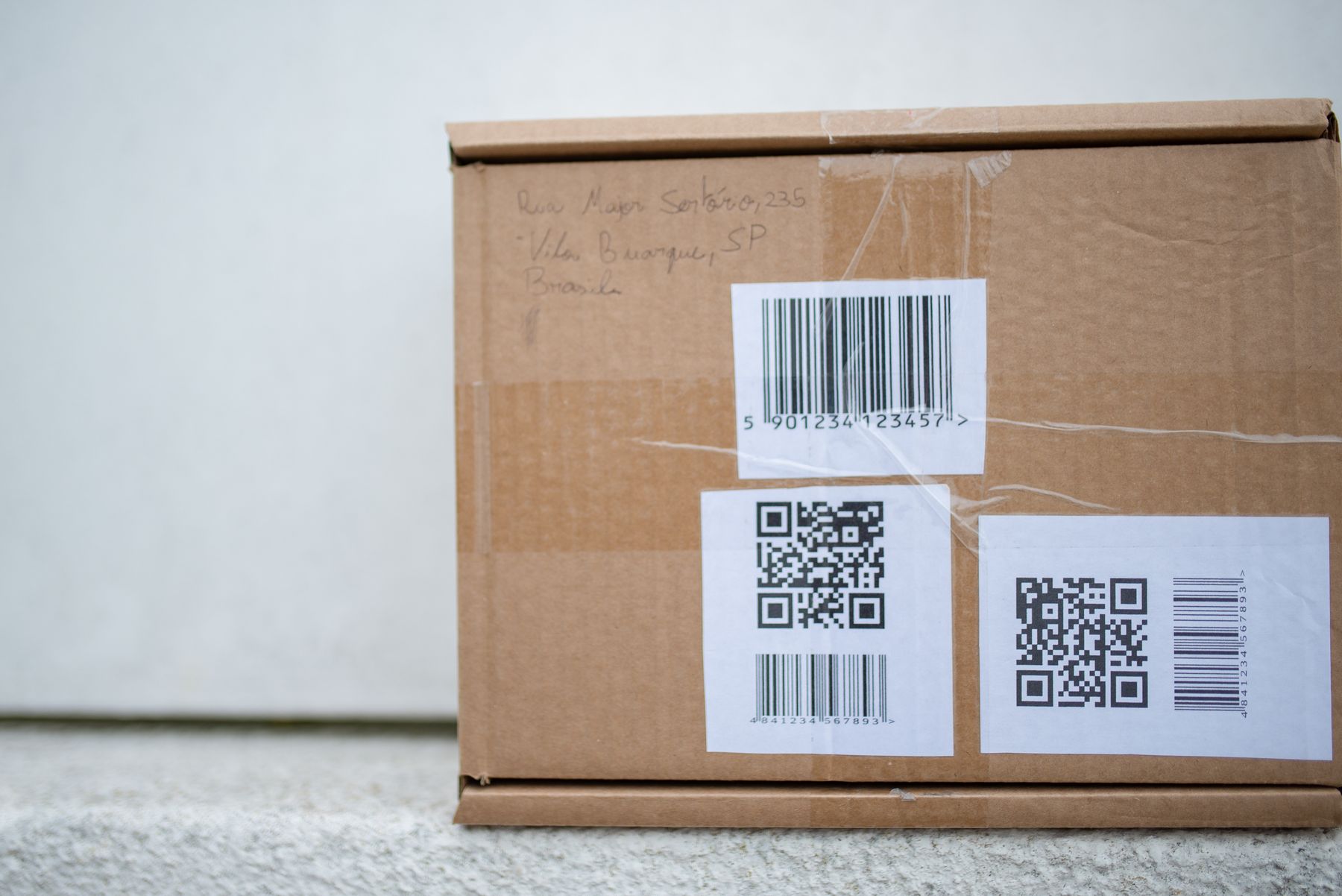
Photo by Kampus Production on PexelsPrint-ready setup
Print QR Guide
Destination
/use-cases/product-packaging
Export
PNG/SVG
Scans
Tracked
01 Choose the printed placement and likely scan distance.
02 Use SVG when a designer or print shop needs scalable artwork.
03 Leave clear space around the QR code.
Practical Uses
What this QR code should actually do
Each printed code should map to a clear customer action, not a generic homepage.
01
Size depends on distance
A table tent can use a smaller code than a poster viewed from across a room.
- Table tents
- Menus
- Flyers
- Posters
- Window signs
02
Print quality matters
Use clean artwork and enough contrast so phone cameras can find the pattern.
- High contrast
- Quiet zone
- SVG export
- Matte surfaces
- Test prints
Examples
Printed placements to consider
Placement 1
Table tents
Placement 2
Menus
Placement 3
Flyers
Placement 4
Posters
Placement 5
Window signs
Placement 6
High contrast
Workflow
How to use SQRE for this
- 1 Choose the printed placement and likely scan distance.
- 2 Use SVG when a designer or print shop needs scalable artwork.
- 3 Leave clear space around the QR code.
- 4 Test the final printed sample before producing the full run.
Avoid
Common QR code mistakes
- × Making a QR code tiny to fit a crowded layout.
- × Placing a code on glossy or curved material without testing.
- × Removing the quiet zone around the code.
FAQ
Print QR Guide FAQ
Is SVG better than PNG for print?+
SVG is usually better for professional print artwork because it scales cleanly. PNG is useful for quick exports and simple designs.
Should I test a printed QR code?+
Yes. Test on the actual printed material, at the likely scan distance, and with the phones customers will use.
Ready to create the QR code?
Start free, create a clean QR code, and switch to dynamic when printed materials need editable destinations.