Trackable QR Codes
Track QR scans from printed campaigns and placements.
Use trackable QR codes when you want to compare which printed materials are getting scans and which campaigns need improvement.
QR analyticsScan trackingCampaign reportingPlacement performance
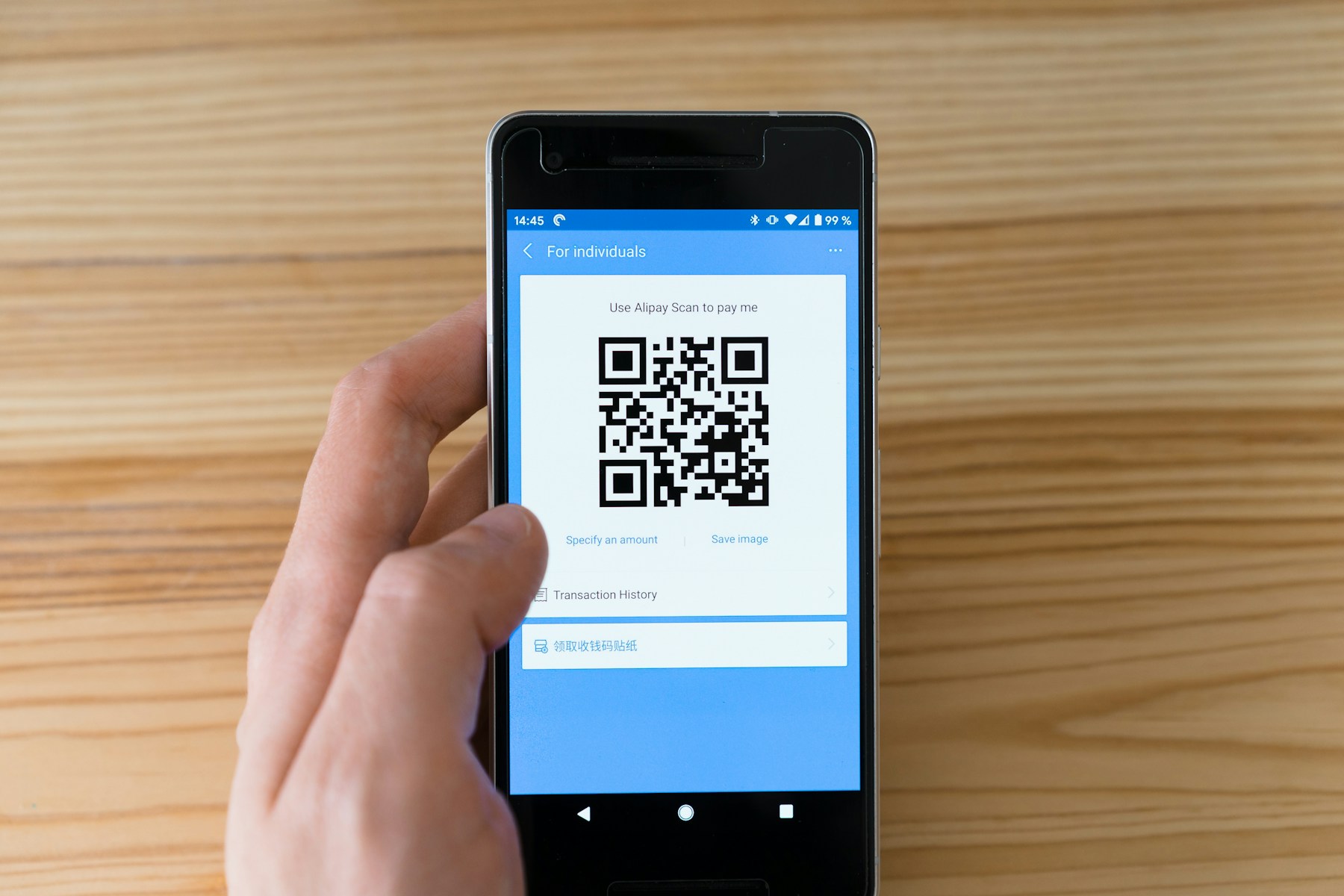
Trackable QR Codes
Photo by Markus Winkler on UnsplashPrint-ready setup
Trackable QR Codes
Destination
/guides/how-to-track-qr-code-scans
Export
PNG/SVG
Scans
Tracked
01 Create a dynamic QR code for each placement.
02 Name each code clearly.
03 Deploy the printed materials.
Practical Uses
What this QR code should actually do
Each printed code should map to a clear customer action, not a generic homepage.
01
What tracking is useful for
Tracking is most helpful when each QR code maps to a real placement or campaign.
- Flyer performance
- Table tent scans
- Event signs
- Product packaging
02
How to compare placements
Create separate codes when you want separate scan data.
- One per location
- One per campaign
- One per print run
- One per client
Examples
Printed placements to consider
Placement 1
Flyer performance
Placement 2
Table tent scans
Placement 3
Event signs
Placement 4
Product packaging
Placement 5
One per location
Placement 6
One per campaign
Workflow
How to use SQRE for this
- 1 Create a dynamic QR code for each placement.
- 2 Name each code clearly.
- 3 Deploy the printed materials.
- 4 Review scan activity after the campaign runs.
Avoid
Common QR code mistakes
- × Using the same trackable QR code on every material.
- × Comparing scans without considering distribution volume.
- × Ignoring whether the linked page is useful on mobile.
FAQ
Trackable QR Codes FAQ
What is a trackable QR code?+
A trackable QR code routes through a managed link so scan activity can be recorded before sending visitors to the destination.
Can tracking help with print campaigns?+
Yes. Tracking helps compare flyers, signs, table tents, and other printed materials when each placement has a separate code.
Ready to create the QR code?
Start free, create a clean QR code, and switch to dynamic when printed materials need editable destinations.